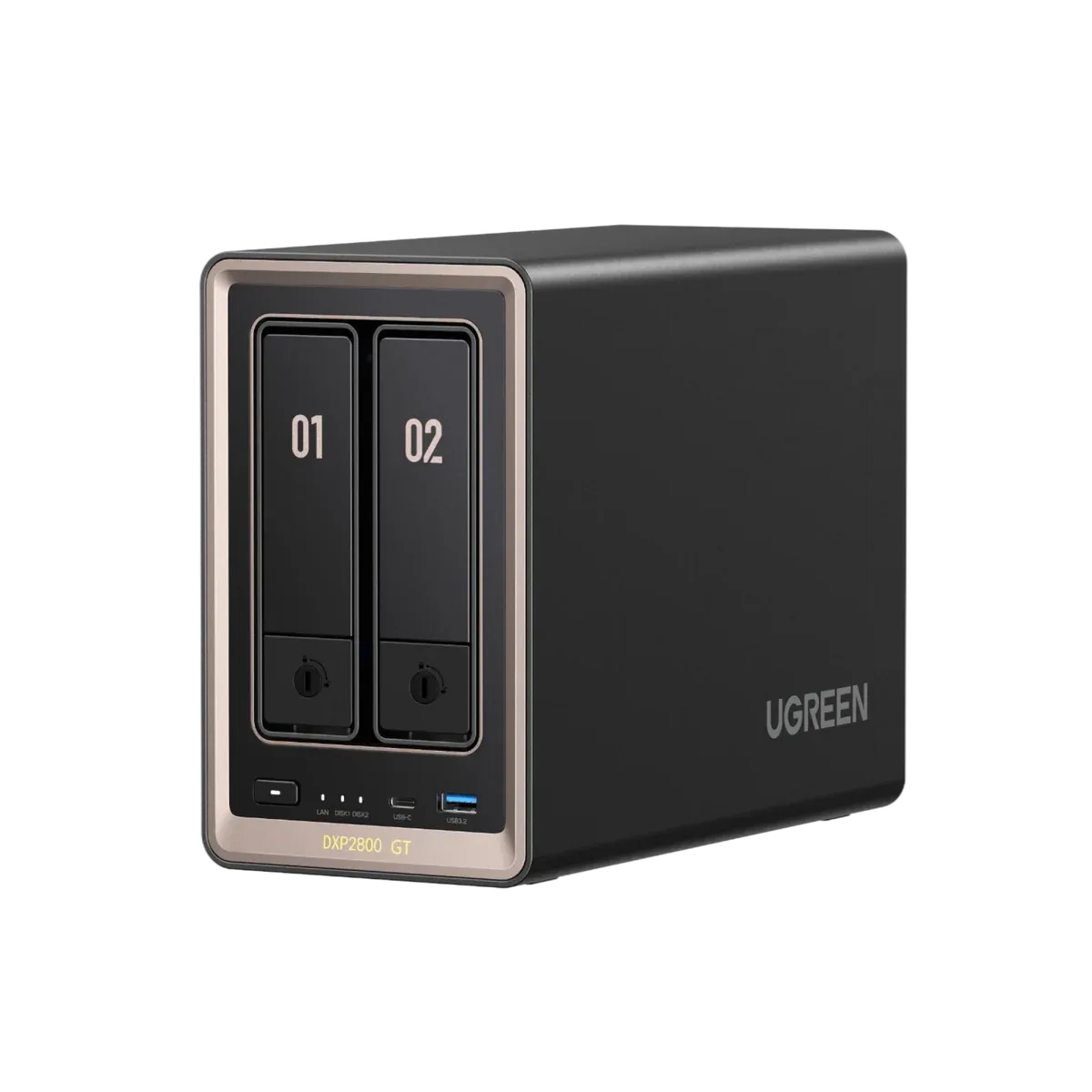
UGREEN DXP2800 GT. A Starter NAS for Creators.
Photo and video storage, with Docker support for compatible apps. A two-bay starting point for solo creators—not our default pick for a growing production team.
Drives cost extra
Direct manufacturer link. We do not earn a commission from this link.
- 2 bays
- For SATA storage drives
- 10GbE
- One wired network port
- 2 M.2 slots
- For compatible NVMe SSDs
- Docker
- Support for compatible apps
Store the files.
Run the tools.
A big plus for technical creators: run compatible self-hosted apps alongside your media library. Photo-library tools, a media server, or lightweight automations are workflows to explore—not preinstalled apps or tested recommendations.
See UGREEN's Docker support ↗ Check each app's requirements. CPU, RAM, and storage are shared with your other work. We have not tested third-party containers on this model. Keep apps updated and restrict network access.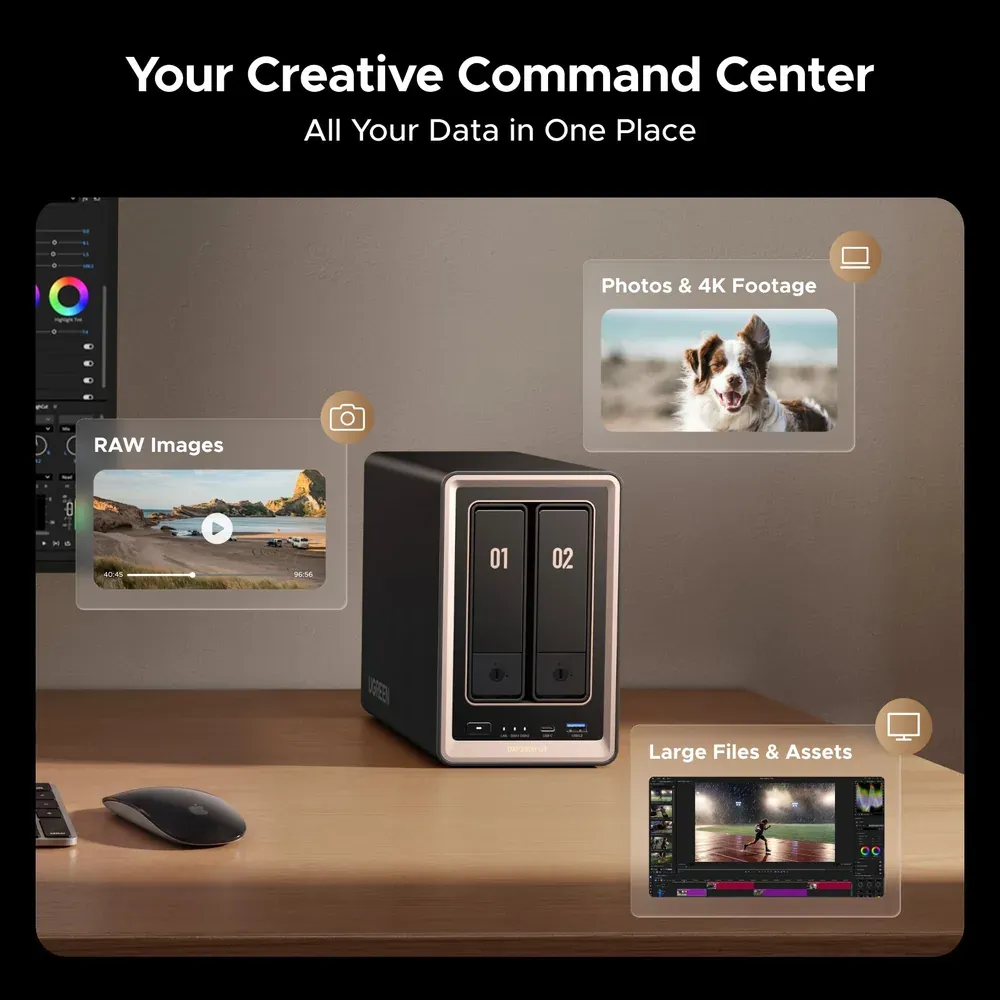
Keep the shoot.
Lose the drive shuffle.
A library beyond the laptop.
Bring originals and finished selects into a consistent job structure. UGREEN advertises face, place, and object-based photo organization.
Footage. Audio. Final cut.
Keep project assets together. Start with a fast local SSD for active edits; test a NAS editing workflow with your actual footage before relying on it.
Size the workflow first.
Compare larger systems before committing your team's footage to two bays. Check usable capacity, concurrent editors, and backup costs. Shared storage is not automatic project locking or a client gallery.
Shoot. Organize. Back up.
Ingest & verify.
Copy the shoot to your working drive and verify independent copies before clearing a card.
Give every job a home.
Use a repeatable folder structure: Originals / Selects / Edits / Exports.
Keep a separate backup.
Aim for 3 copies, 2 media types, 1 off-site. Check that you can restore the files.
The box is the beginning.
$459.99 for the diskless NAS + compatible storage drives + an independent backup. Optional faster networking adds cost, too. Taxes and shipping are extra where applicable.
Check UGREEN's drive compatibility list ↗Mirrored capacity before formatting and overhead—not 24TB. RAID is not a backup.
More shoots. More room.
A research shortlist—not hands-on tested. Budget for compatible drives, backup, and networking. Test your actual editing workload.
- Growing archive UGREEN DXP4800 GT
4 SATA bays · Dual 10GbE
- Larger media library UGREEN DXP6800 Ultra
6 SATA bays · Dual 10GbE · Thunderbolt 4
- Eight-bay alternative Synology DS1825+
8 SATA bays · Dual 2.5GbE · Faster networking requires an add-in card
Read this before you buy
- Lightroom Classic: keep the working catalog on a local drive. Originals can live on the NAS. Adobe's guidance ↗
- 10GbE is a port, not a speed promise. Your computer, adapter, switch, cabling, drives, and workload determine actual throughput.
- Two bays have limits. Plan usable capacity and growth first. Heavy multi-editor work needs testing—not a purchase based on the network number.
- Protection needs more than RAID. Mirroring does not cover accidental deletion, ransomware, theft, or losing the entire NAS.
See UGREEN's photo-management preview

Sources & how we chose this angle
Research-led buying guide for photo and video creators. We have not hands-on tested this NAS, measured editing speeds, or independently verified customer reviews. Price, stock, and the store's product-group review score were checked Oct 15, 2026 and can change. Manufacturer-listed Docker support and the larger-model specifications were checked Oct 16, 2026. Confirm the GT model and diskless configuration at checkout.
Manufacturer photos and specifications. Not an EZ APPS hands-on review. Check current price and availability at UGREEN.