Build Your Baby Registry. Step by Step.
Create your list. Add the items you choose. Review privacy, then share. No shopping spree required.
Paid links. As an Amazon Associate I earn from qualifying purchases. We may also earn from eligible registry signups, at no extra cost to you.
Start on Amazon.
Paid link · Opens Amazon registry setup—not a product checkout.

Create your registry on Amazon.
Use the start link above and sign in to your own Amazon account. Choose the baby-registry option and follow Amazon's setup prompts. Review the information before saving.
Your Amazon login and registry details stay with Amazon. We don't ask for your password or create an account for you.
Add the items you actually want.
Open an item on Amazon, choose Add to Registry & Gifting, then select your registry. On the app, look farther down the product page; browser placement may differ.
Need ideas rather than setup instructions? Our first-time-parent checklist separates everyday needs from optional extras, with four flexible starter lists.
Opening one of our links does not add an item. You make that choice on Amazon; we can't see or change your registry.
Check the list and its privacy.
In the registry's Settings, review the privacy options and save your choice. Use Edit on individual items to adjust quantities or remove them.
- Check sizes, quantities, and exact product variants.
- Remove things you already own or plan to borrow.
- Include choices at different price points.
- Review the current privacy and delivery information shown by Amazon.
Steps checked October 17, 2026 against Amazon's registry instructions ↗. Menus and eligibility can change; follow the current Amazon screen.
First baby? Start with a smaller list.
Feeding plans, cleanup, changing, and practical extras. Compare the options without treating every suggestion as an essential.
Open the first-time-parent checklistHow these links support EZ APPS
Using our registry link may earn us a bounty when an eligible customer creates a registry and adds at least one item, subject to Amazon's bounty terms ↗. Clicking alone does not qualify.
Qualifying purchases through our product links are a separate opportunity. Saving an item to a registry does not permanently attach our affiliate ID to that registry or guarantee commission on later gifts. Amazon's commission policies ↗
If this walkthrough helps, using our links supports future guides at no extra cost to you. There's no need to buy something you don't need.
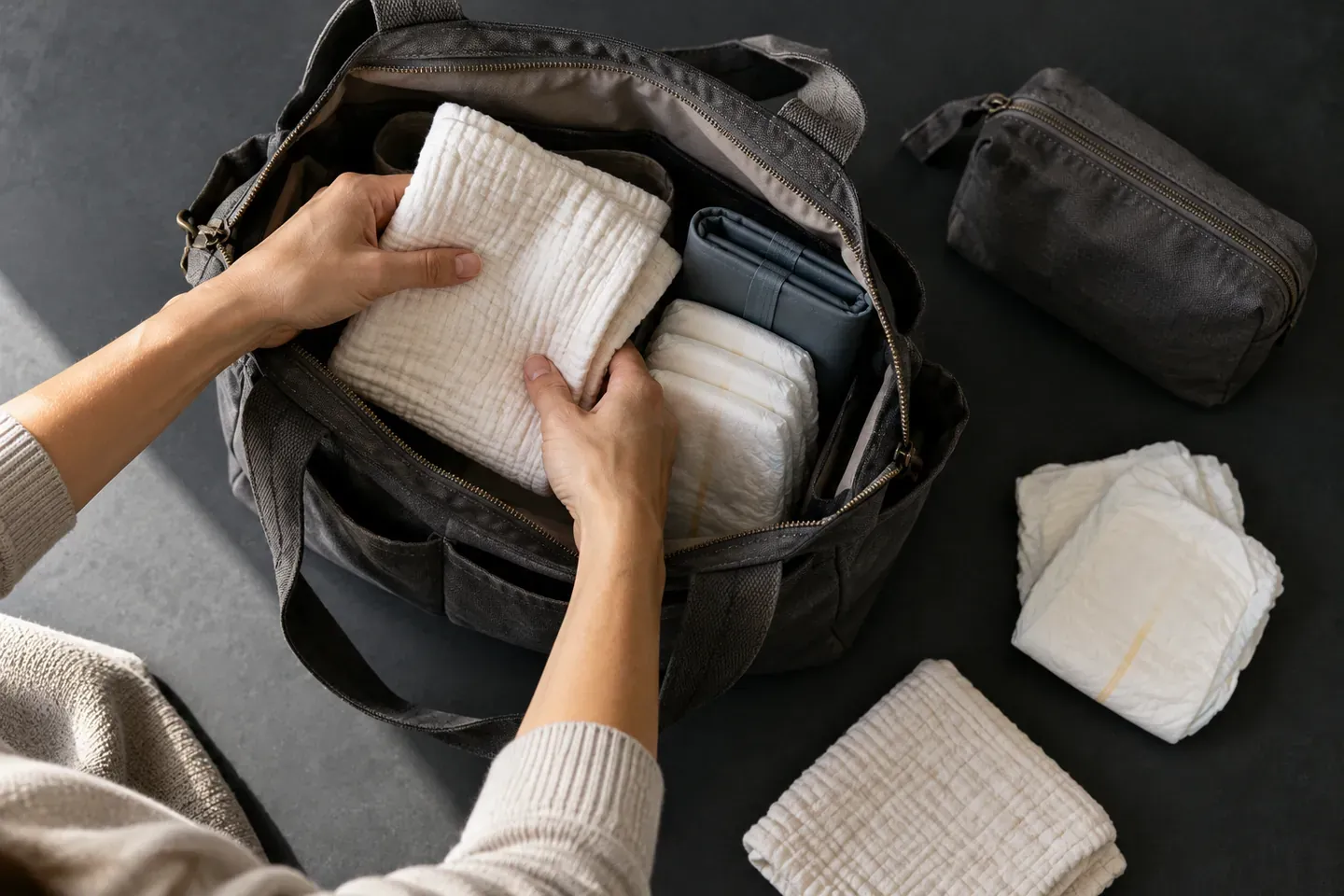
First Baby. Build Your List.
A practical registry checklist for first-time parents. Start with your routine, compare the details, and leave the extras for later.

Wedding Registry. Your Life Together.
Build a gift list that fits your home. Give the photographs their own plan.